
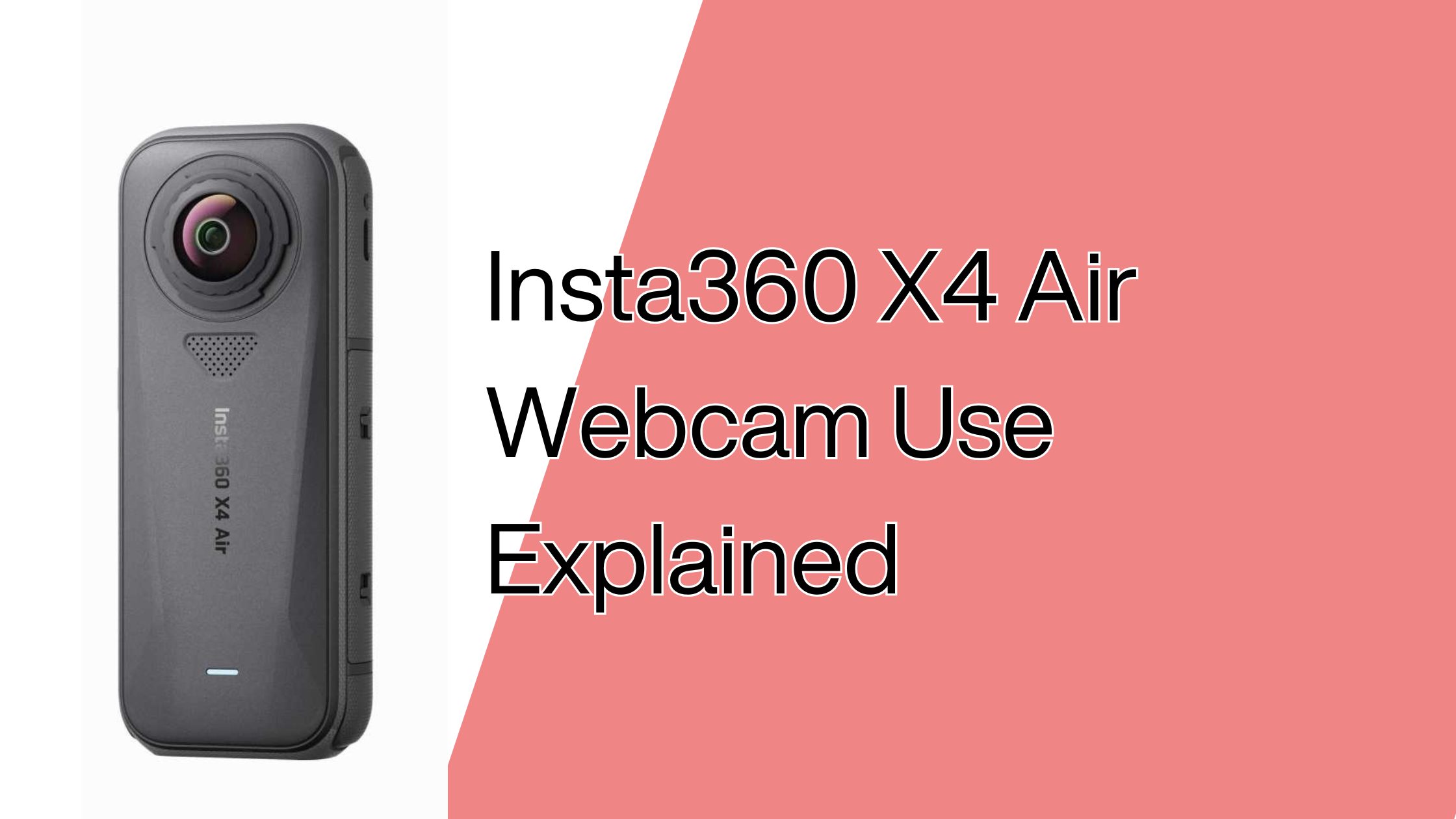
※This article contains affiliate links, and we may earn a commission.
At this time, the Insta360 X4 Air cannot be used as a webcam. However, the X4 and X5 support webcam output, so you can use them for online meetings in certain situations.
◆Insta360 Camera Comparison
| Comparison | X4 Air | X4 | X5 |
|---|---|---|---|
| Webcam | No | Yes | Yes |
| Key feature | Lightweight | Similar features to X4 Air | Better low-light performance |
| Release date | Oct 28, 2025 | Apr 16, 2024 | Apr 22, 2025 |
| Price | $399.99 | $499.99 | $549.99 |
| Bonus | None | Invisible Selfie Stick | None |
Note: Pricing and availability may vary depending on region and current promotions.
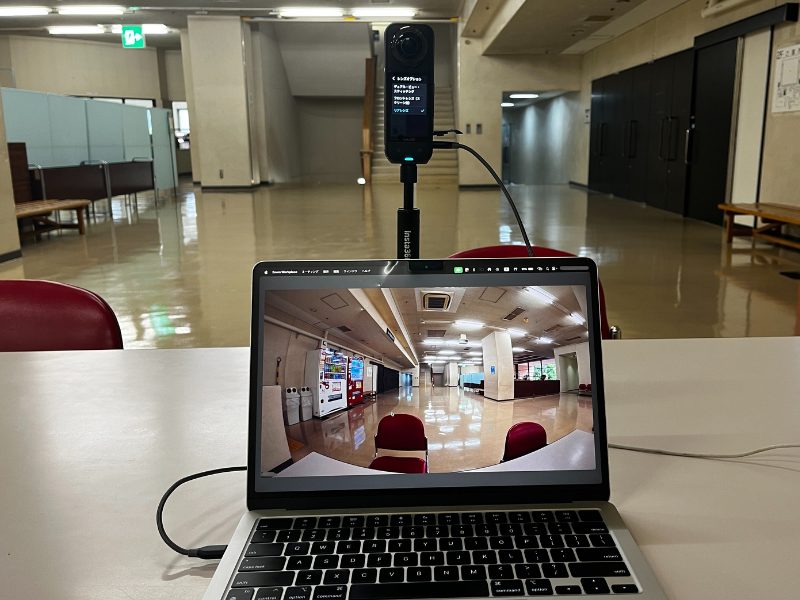
The webcam output on the X4 and X5 can produce a unique wide-angle look. However, the image quality may not match a dedicated business webcam, so the situations where it’s truly useful can be limited.
Example: Using the Insta360 X5 as a webcam ↓
So it’s best to decide whether you truly need webcam functionality—or whether other features and price matter more for your use.
▶ Choose X4 Air | Skip online meetings, prioritize lightweight design and the newest model.
▶ Choose X4 | Works for online meetings, best value for money.
▶ Choose X5 | Works for online meetings, and you want the best low-light and overall image quality.
Insta360 X4 Air Cannot Be Used as a Webcam
The bottom line: the Insta360 X4 Air cannot be used as a webcam right now.
It doesn’t offer HDMI output, and connecting it to a computer won’t let you use the camera feed as a webcam.
You may see rumors about future updates, but there’s no official confirmation. It’s also possible Insta360 keeps webcam features for X4 and X5 to differentiate the lineup.
If you absolutely need webcam or video output for work, it’s safer to remove X4 Air from your shortlist.
That said, as a dedicated shooting camera, X4 Air is lightweight, easy to handle, and being a newer model can mean longer support over time.
If you’re comfortable skipping webcam use entirely, X4 Air can still be a solid choice.
▶︎Insta360 X4 Air Official Store
Insta360 X4 and X5 Can Be Used as Webcams
If webcam use is important, choosing the Insta360 X4 or X5 solves the problem.
Both can be connected to a computer and used for video calls such as Zoom, without complicated setup in most cases.
Besides standard output, you can also show front and rear views stacked vertically, which can help when multiple people are speaking in the same room.
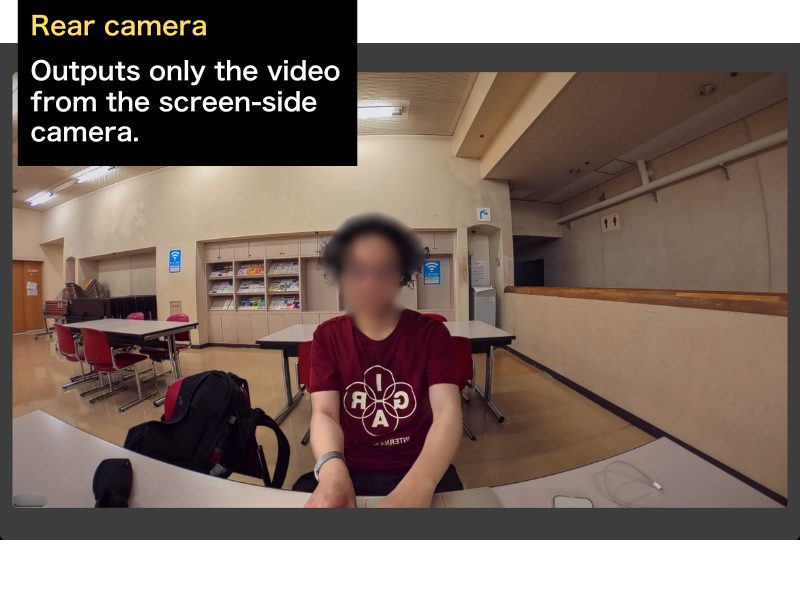
(Example) Insta360 X5 Webcam Modes
◆Rear camera only
This is similar to a typical webcam setup. You can also output the front camera only in a similar way.
◆Front + rear cameras
This can show everyone around a table using a single camera.
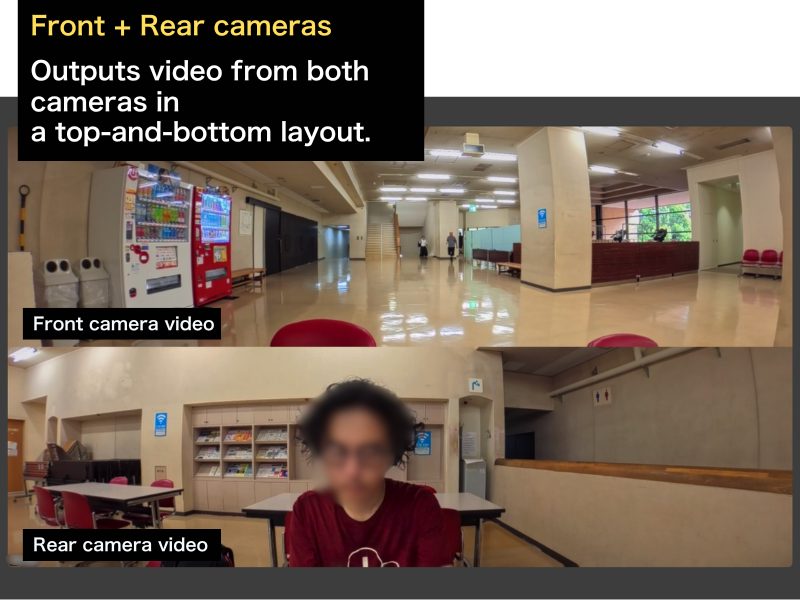
Note: Both X4 and X5 support the same webcam features shown above.
Use cases may be limited, but webcam features that take advantage of a 360° camera can be convenient in specific situations.
Do You Really Need Webcam Functionality on a 360° Camera?
To be honest, there are only a few situations where webcam functionality on a 360° camera is truly necessary.
It can help when you want to connect an in-person meeting to remote attendees, or when you need to switch between front and rear views frequently.
But if you just join online meetings alone, a laptop’s built-in camera (or a basic webcam) is usually enough.
Also, 360° cameras aren’t built primarily to deliver ultra-sharp webcam quality, so not having webcam support is often not a deal-breaker.
So if you’re okay skipping webcam use, buying the X4 Air can still make sense.
▶︎Insta360 X4 Air Official Store
X4 Air vs X4 vs X5
Here’s a simple comparison focused on whether each model can be used as a webcam.
◆Insta360 Camera Comparison
| Comparison | X4 Air | X4 | X5 |
|---|---|---|---|
| Webcam | No | Yes | Yes |
| Key feature | Lightweight | Similar features to X4 Air | Better low-light performance |
| Release date | Oct 28, 2025 | Apr 16, 2024 | Apr 22, 2025 |
| Price | $399.99 | $499.99 | $549.99 |
| Bonus | None | Invisible Selfie Stick | None |
Note: Pricing and availability may vary depending on region and current promotions.
Only the X4 Air cannot be used as a webcam, while both X4 and X5 can be used for online meetings.
Depending on promotions, the price gap between X4 Air and X4 may become smaller, which can make the X4 feel like the better value if webcam use matters.
The X5 costs more, but it’s positioned as a higher-end model designed to perform better in low-light situations.
Who Should Choose X4 Air?
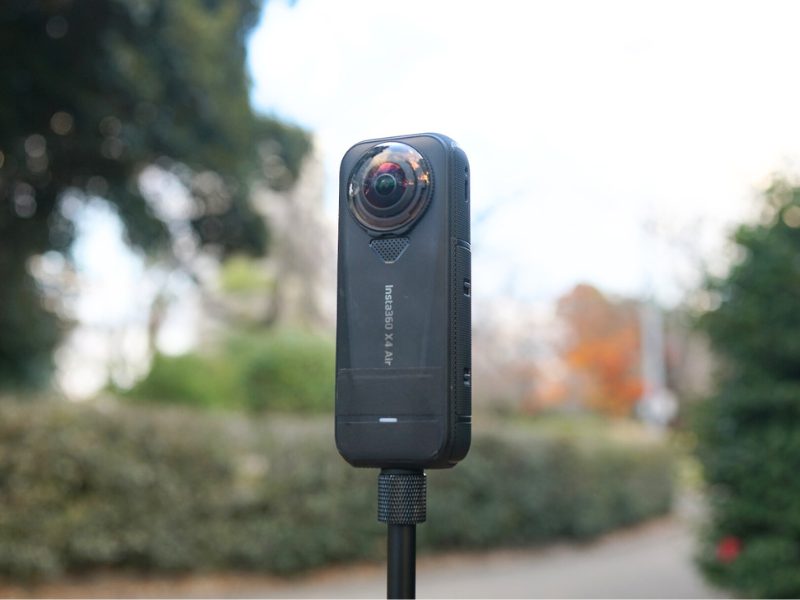
X4 Air is a good fit if you’re willing to skip webcam use and you want a lightweight, newer model for shooting.
Even though it can’t be used as a webcam, it’s more than capable as a dedicated camera for outdoor and everyday shooting.
If you already have a work webcam, separating devices by purpose can be the simplest solution.
If you’re clear on how you’ll use it, X4 Air can be a satisfying choice.
▶︎Insta360 X4 Air Official Store
Who Should Choose X4?
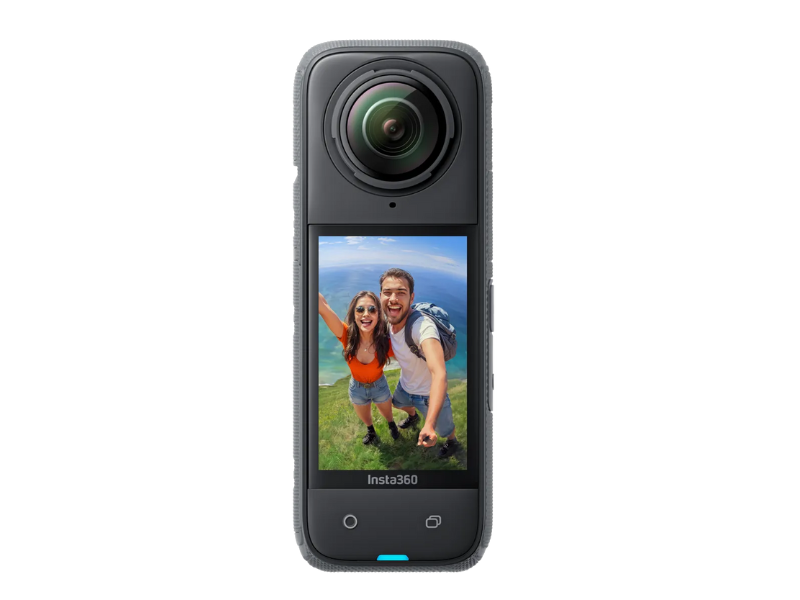
X4 is the best balance if you want one camera for both shooting and occasional online meetings.
It can be used as a webcam, which is the biggest difference compared to the X4 Air.
It may also include an Invisible Selfie Stick as a bonus depending on the current promotion, which can reduce the need to buy accessories later.
If you want to avoid regrets and keep things simple, X4 is often the safest pick.
Who Should Choose X5?
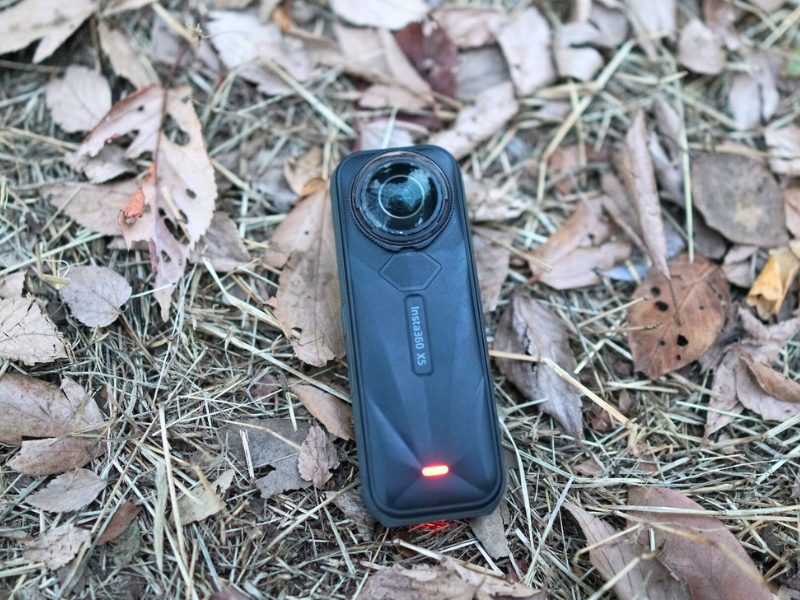
X5 is a good fit if you want webcam support and you also care about the best image quality and low-light performance.
It’s more expensive, but it’s positioned as the top-tier model in this lineup.
If online meetings are only a small part of your use, you may not need this level of performance—but if you prefer buying the best option once, X5 is easy to justify.
If you want the most capable model and fewer compromises, X5 is the straightforward choice.
Final Summary
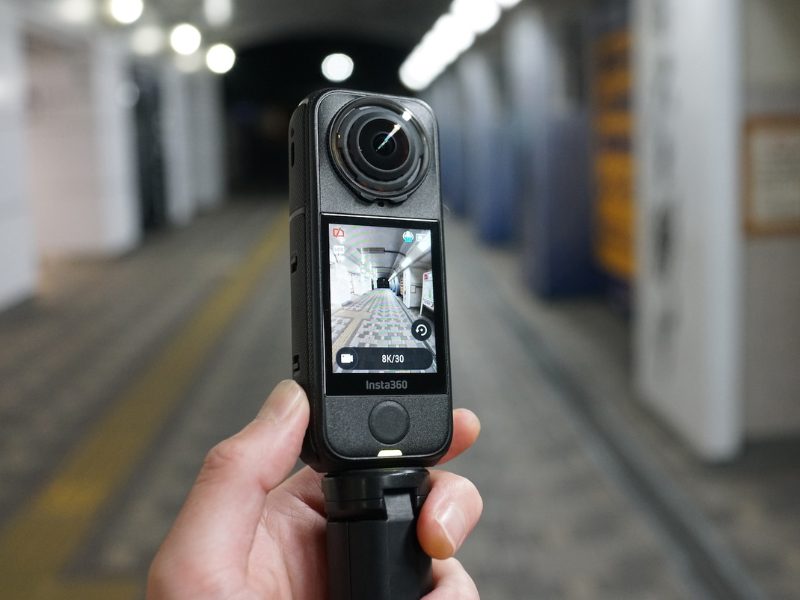
The Insta360 X4 Air cannot be used as a webcam, but the X4 and X5 can be used for online meetings.
If webcam use is required for work, choose X4 or X5. If not, choosing the X4 Air can still be perfectly reasonable.
Webcam output from 360° cameras can look interesting, but it’s not necessarily higher quality than a dedicated webcam, so it may not be essential for most business use.
If you’re happy to skip webcam use, choose X4 Air.
If you want similar features plus webcam support, choose X4.
If you want the newest model with webcam support and stronger low-light performance, choose X5.
If you’re still deciding, you can check the official store and pick the one that matches your use.