
※This article contains affiliate links, and we may earn a commission.
Not sure which microSD card to choose for the Insta360 X4 Air?
If you don’t have a microSD card yet, the easiest way to choose is to match the capacity to how long you want to record.
When recording at the highest-quality setting (8K at 30fps), the approximate recording times look like this.
Estimated Recording Time for X4 Air (8K/30fps)
| Card Capacity | Approx. Recording Time |
|---|---|
| 64GB | About 50 minutes |
| 128GB | About 1.5 hours |
| 256GB | About 3 hours |
| 512GB | About 5 hours |
| 1TB | About 10 hours |
As a simple rule of thumb, casual recording throughout a day often fits within about 1.5 hours, and heavy all-day recording feels more comfortable with around 5 hours.
That’s why many people end up choosing something in the 128GB to 512GB range, depending on their style.
If you already own a microSD card you bought in the last few years, it will generally work fine. Try it first, and only buy a new one if you actually run into issues.
If you haven’t purchased the X4 Air yet, you can check the official store below.
Insta360 X4 Air SD Card Capacity and Recording Time
The easiest way to pick a microSD card for the Insta360 X4 Air is to think in recording time, not just storage numbers.
If you imagine how much you’ll record in a typical day, it becomes much easier to choose a capacity that fits without overthinking it.
SD Card Capacity and Recording Time
At the highest-quality setting (8K at 30fps), the recording time is fairly predictable based on card size.
Estimated Recording Time for X4 Air (8K/30fps)
| Card Capacity | Approx. Recording Time |
|---|---|
| 64GB | About 50 minutes |
| 128GB | About 1.5 hours |
| 256GB | About 3 hours |
| 512GB | About 5 hours |
| 1TB | About 10 hours |
If you record in short clips across the day, about 1.5 hours is often enough.
If you want to record a lot and keep the camera running throughout the day, having around 5 hours of space feels much less stressful.
That’s why 128GB to 512GB is a practical range for many users, depending on how you shoot.
And if you lower the recording settings a bit, you can usually extend your recording time even more.
Choosing SD Card Capacity by Shooting Style
As a rule of thumb, 128GB often works well for casual daily use, while 512GB feels safer if you plan to record heavily all day.
Below are common shooting styles and how to think about capacity for each one.
Motorcycle Riding
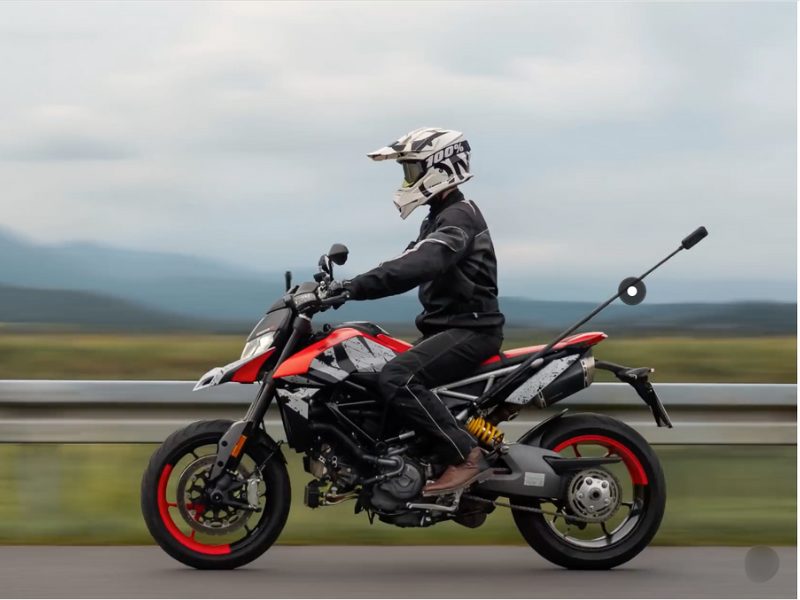
Motorcycle footage can become long because you often record while riding, but you can usually stop during breaks.
If you record mainly between breaks, smaller cards can be fine. If you want long continuous recording, larger capacity feels more comfortable.
Cycling
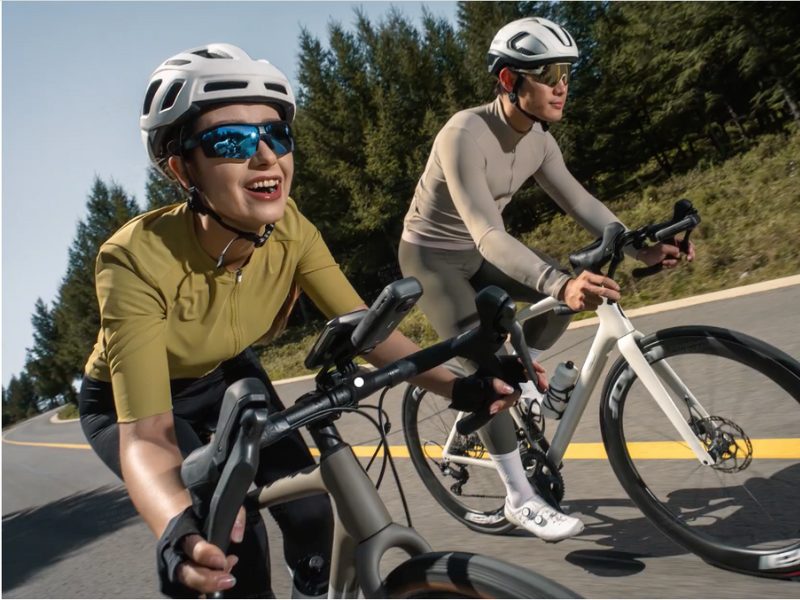
If you only record scenic highlights or a favorite route, even 64GB or 128GB may be enough.
If you prefer to keep recording continuously like a bike computer, having more space means you won’t have to think about storage.
Skiing & Snowboarding
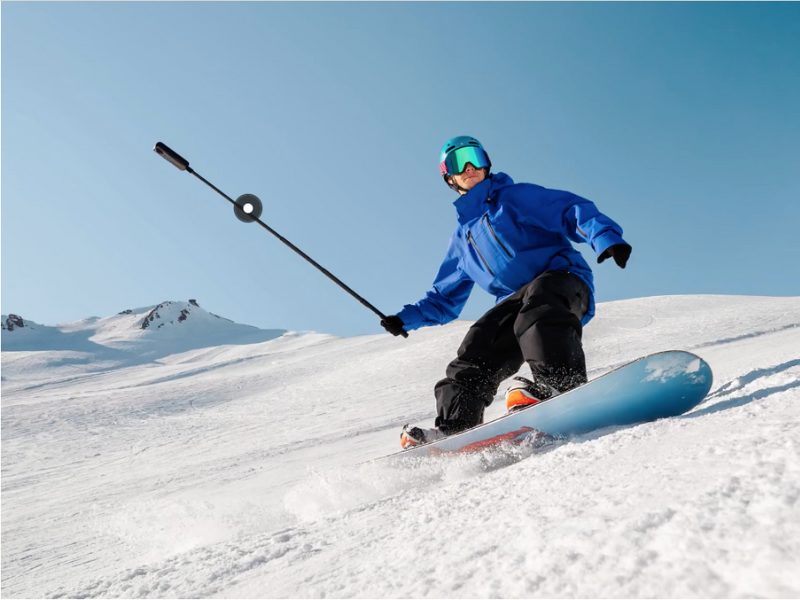
You may record for long stretches during runs, but lifts and breaks make it easy to stop and restart.
Moderate use often fits on smaller cards, while all-day recording benefits from extra storage.
Travel
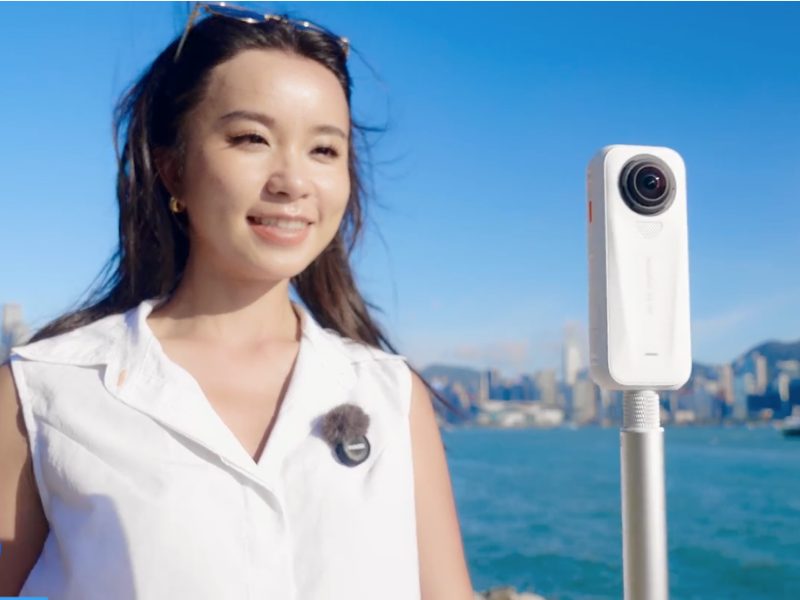
Travel footage is usually short clips at places you care about, with downtime during 이동 between spots.
For this style, moderate capacity is usually enough for a day.
Hiking
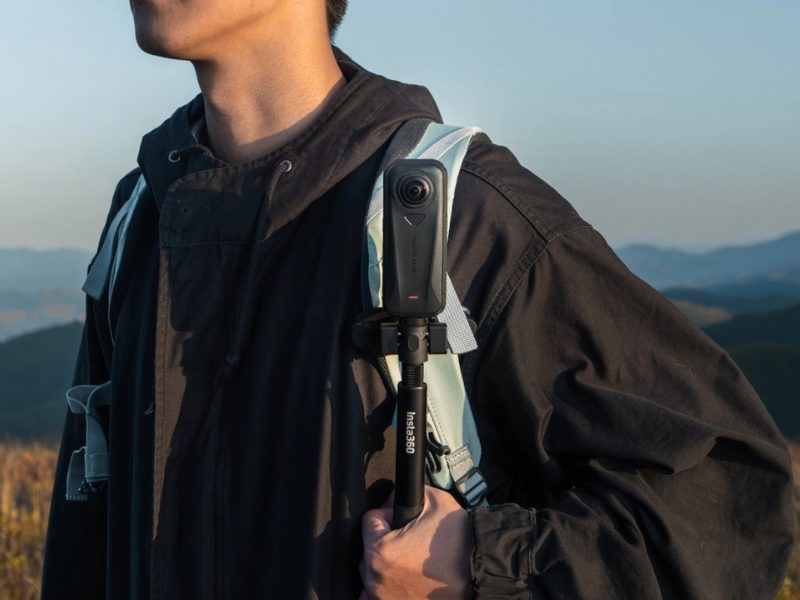
Hiking often means short recordings while walking and stopping at viewpoints.
Day hikes generally don’t require huge storage, while longer routes can feel better with extra space.
Underwater Shooting
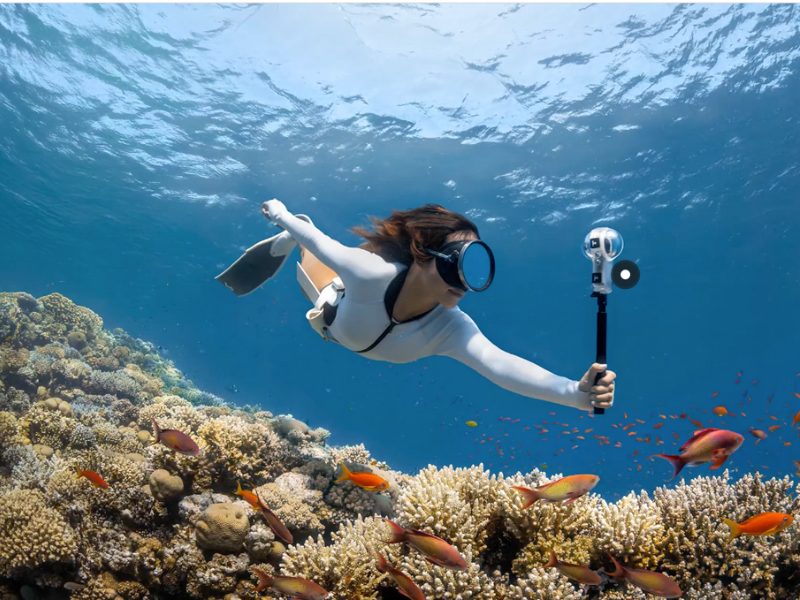
Underwater shooting is different because swapping cards isn’t practical once the dive case is sealed.
If you plan to shoot underwater, choosing extra capacity upfront is generally safer so you can focus on the dive instead of storage.
Always follow Insta360’s official waterproof and dive case guidelines for safe use.
In short: casual daily recording often fits around 128GB, and heavy all-day recording feels safer with 512GB.
A Simple Trick: Use a Smaller SD Card and Combine It With Cloud Storage
Here’s a simple approach that can reduce the need for a huge SD card.
The idea is to use a smaller SD card and combine it with cloud storage, so you can keep shooting without constantly buying new cards.
Insta360 offers a cloud service called Insta360+.

While the X4 Air is charging, it can upload footage from the SD card to the cloud automatically (depending on your settings and connection).
After the upload finishes, you can free up space on your SD card and keep recording without swapping cards as often.
This approach can be practical if you want to keep costs down and avoid buying multiple large SD cards.
Promotions and included cloud storage can change over time, so it’s best to confirm the current offer on the official store.
If the cloud option sounds useful for your style, it may be worth checking when you buy the camera.
If You’re Unsure, the Official Insta360 SD Card Is the Easiest Choice
If you don’t want to spend time comparing specifications, choosing the official Insta360 SD card is the simplest option.
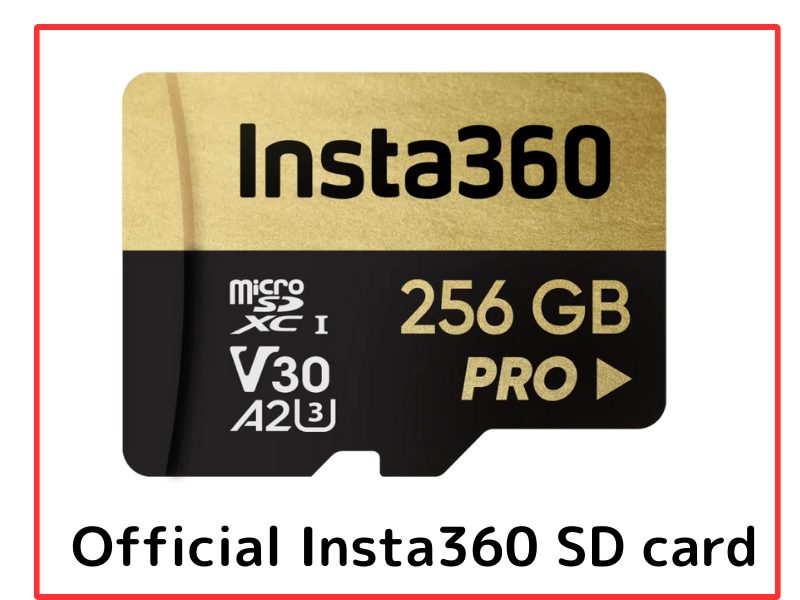
There are many SD cards on Amazon and other stores, and it’s hard to know which one is fully compatible if you’re buying your first one.
The official card is made with Insta360 cameras in mind, so it helps reduce compatibility worries.
Even if other cards work, going official can save you time and mental effort.
Using an SD Card You Already Have
In many cases, a microSD card purchased within the last few years will work with the Insta360 X4 Air.
According to Insta360’s guidelines, recommended cards support UHS-I, Video Speed Class V30, and capacities up to 1TB, which many modern cards already meet.
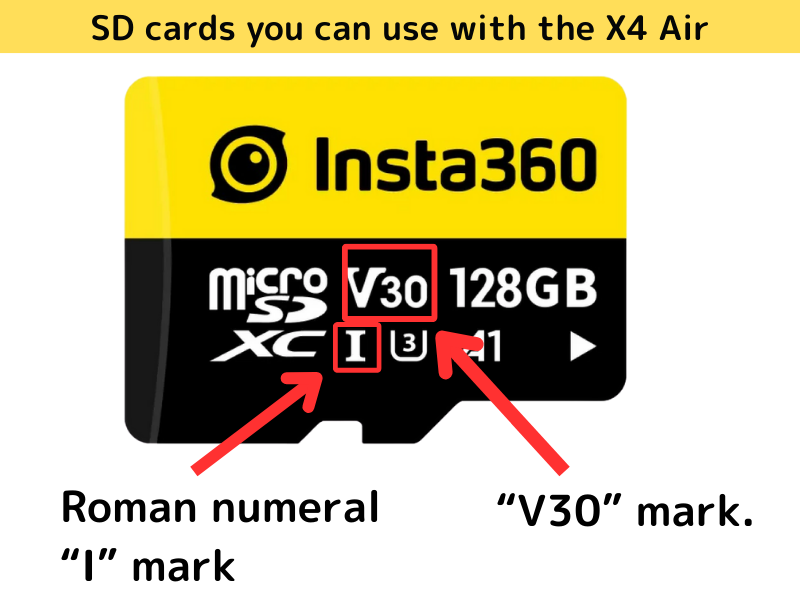
If a card doesn’t meet the recommended specs, the camera may run slower or show a warning message.
Either way, trying your current card first is usually fine. If you notice issues, you can upgrade then.
Final Thoughts
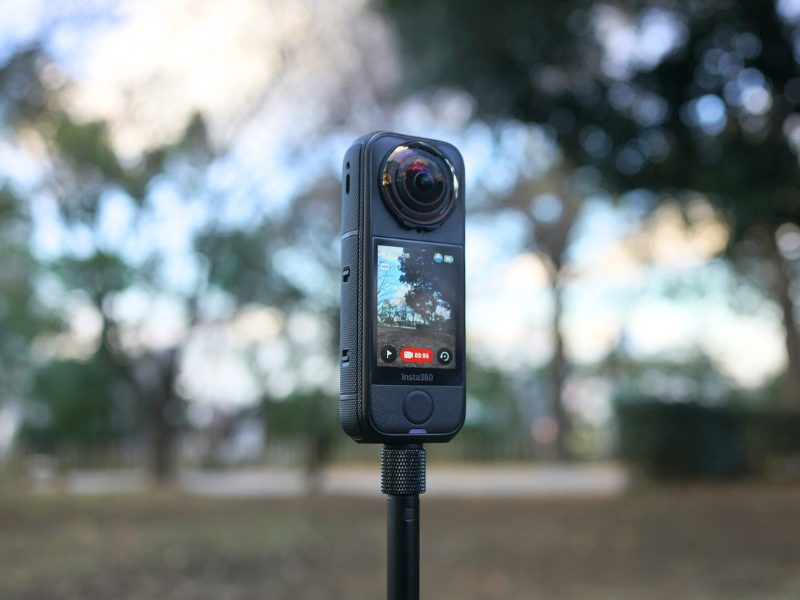
Choosing an SD card for the Insta360 X4 Air is easiest when you think in terms of recording time.
For many users, 128GB is a solid choice for casual daily shooting, and 512GB feels safer for heavier all-day recording.
If you already have a recent microSD card, you can usually start with that and only buy new if needed.
Underwater shooting is the main case where extra capacity upfront is especially helpful because swapping cards isn’t realistic.
Once you’re not worried about storage, you can focus on actually enjoying filming.
How to Insert a microSD Card into the X4 Air (Beginner-Friendly)
You’ll find the microSD card slot after you remove the battery.
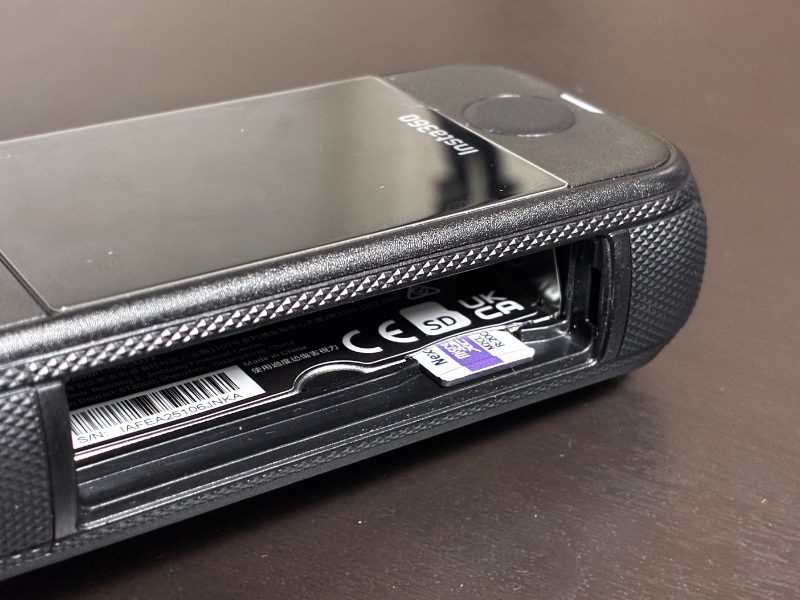
Insert the microSD card with the label facing outward and push until you feel a click.
If the camera recognizes the card, you should see normal indicator lights and you’re good to go.
If the card isn’t inserted correctly or the card isn’t compatible, the camera will show a warning indicator so you can fix it.